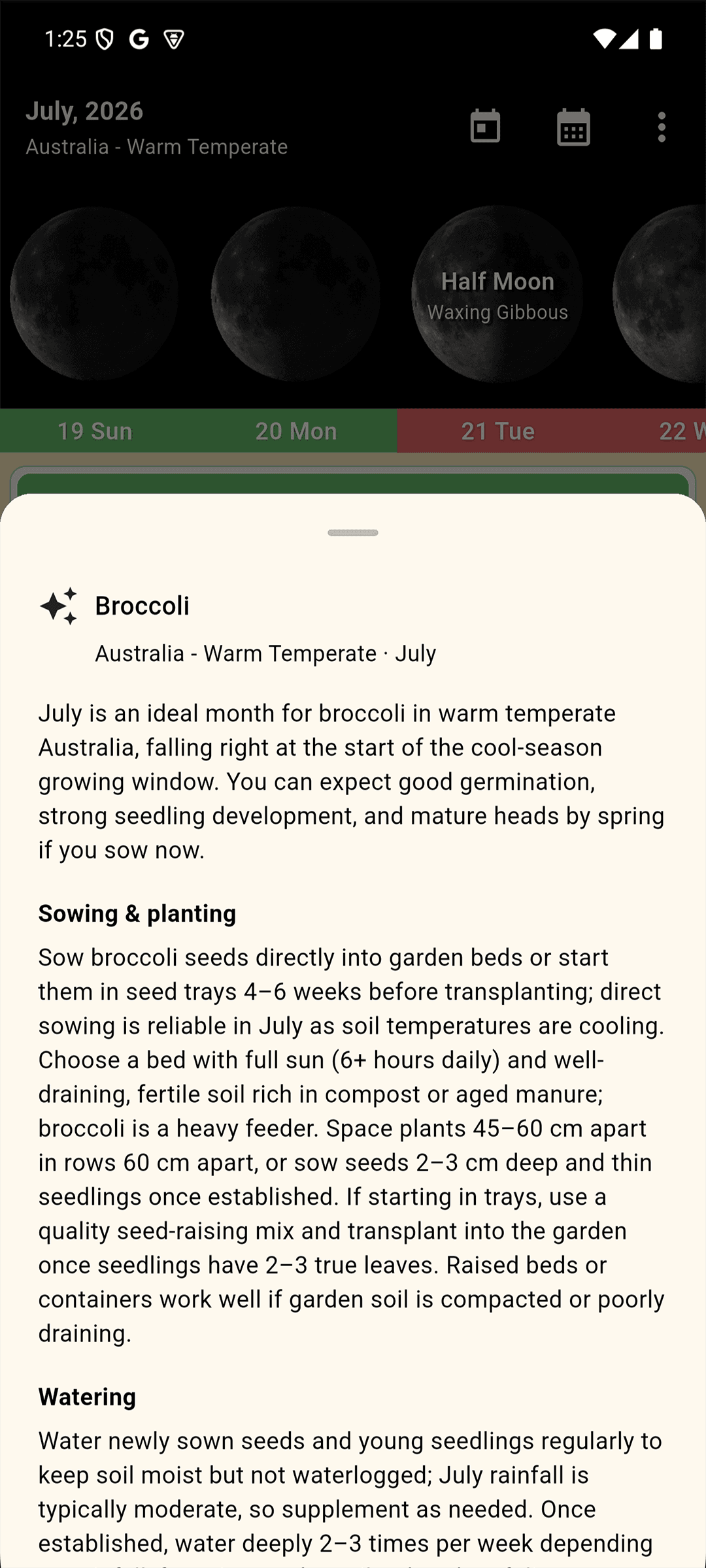
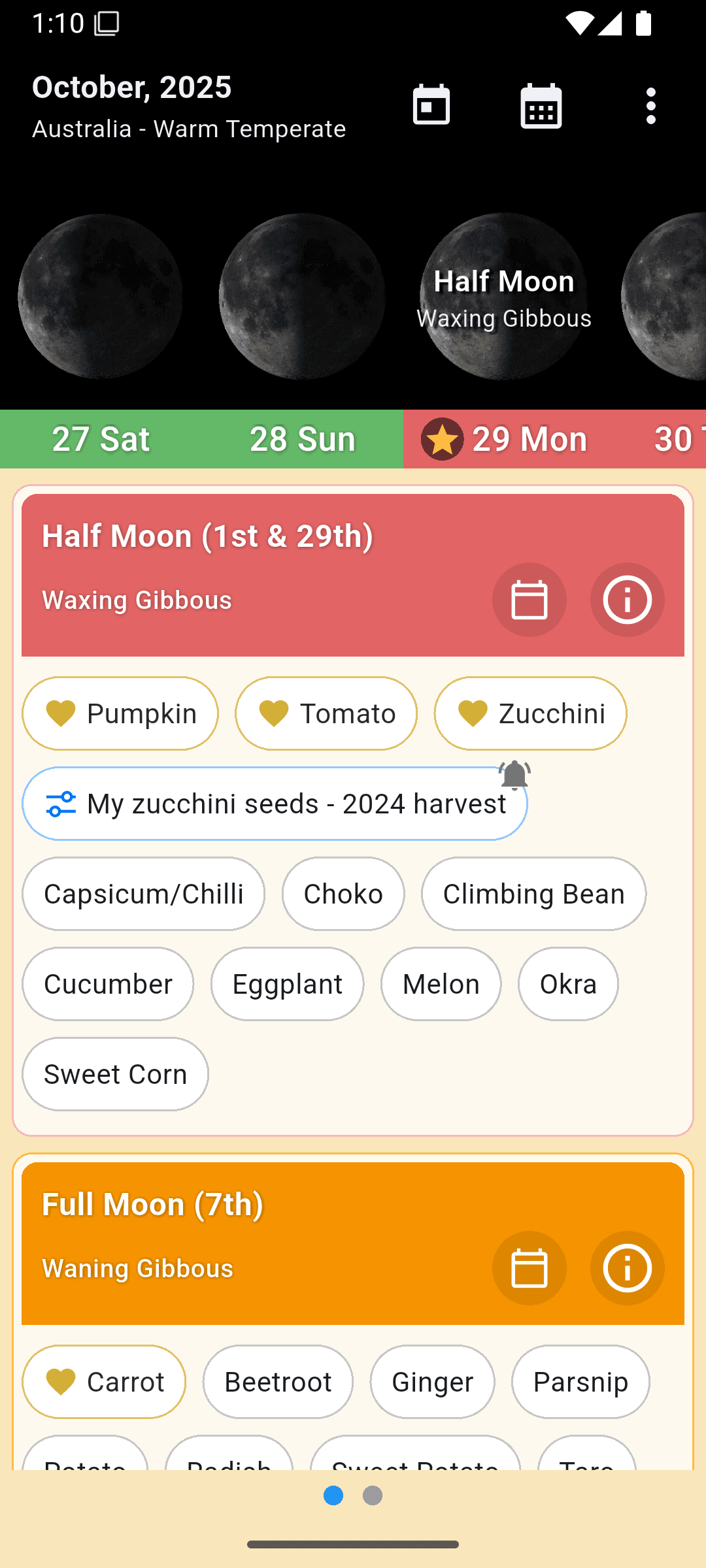
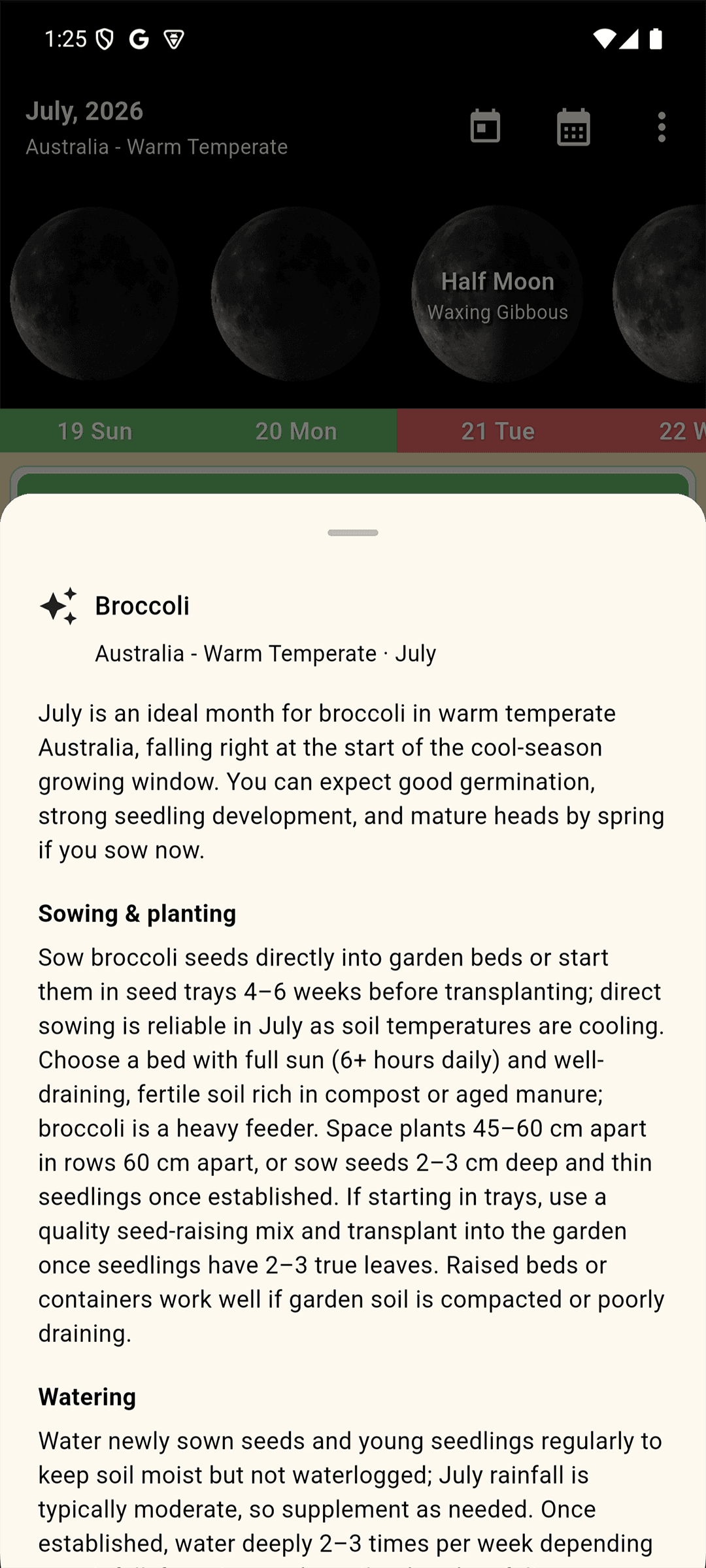
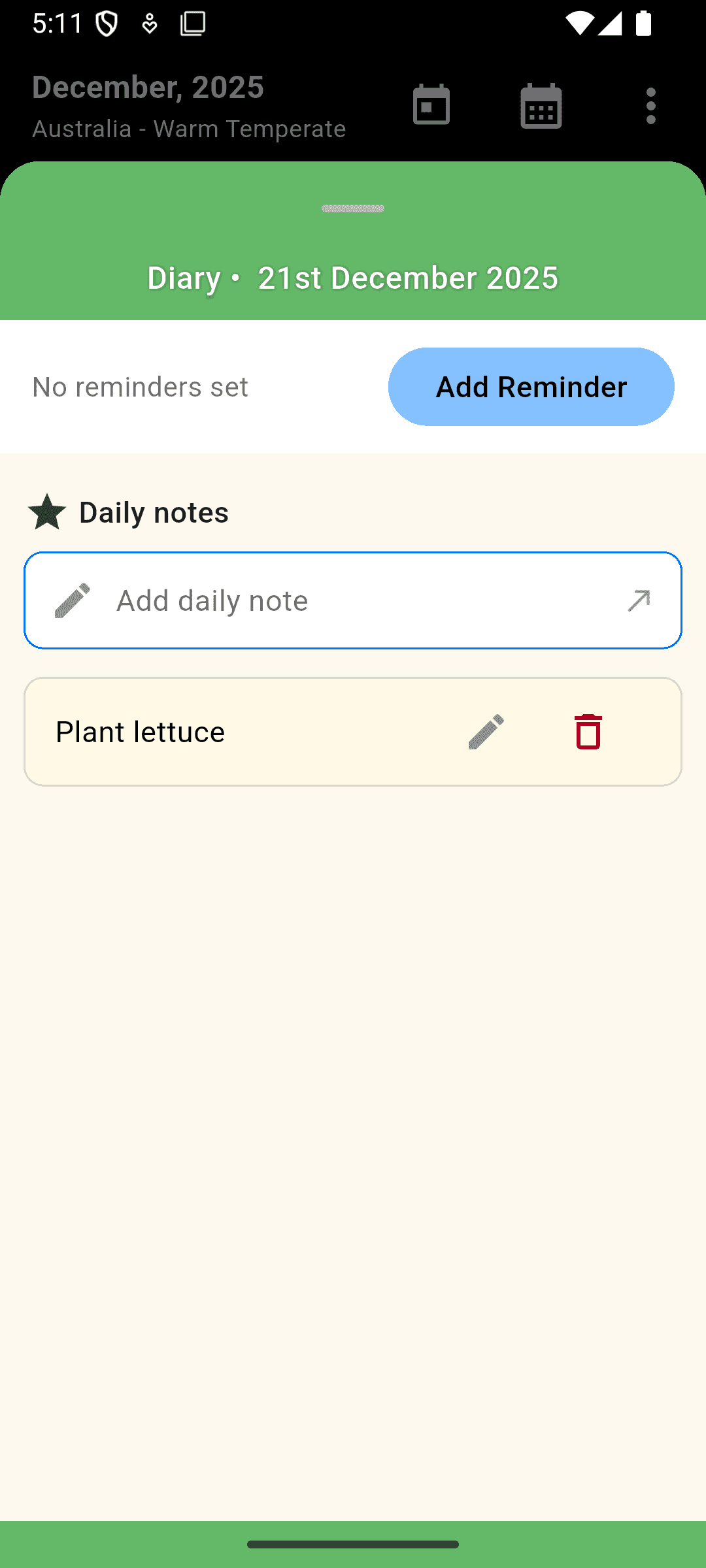
Use the moon phases to determine the best times to plant, prune, fertilise, and harvest.
Get planting suggestions based on your country or region for each moon phase.
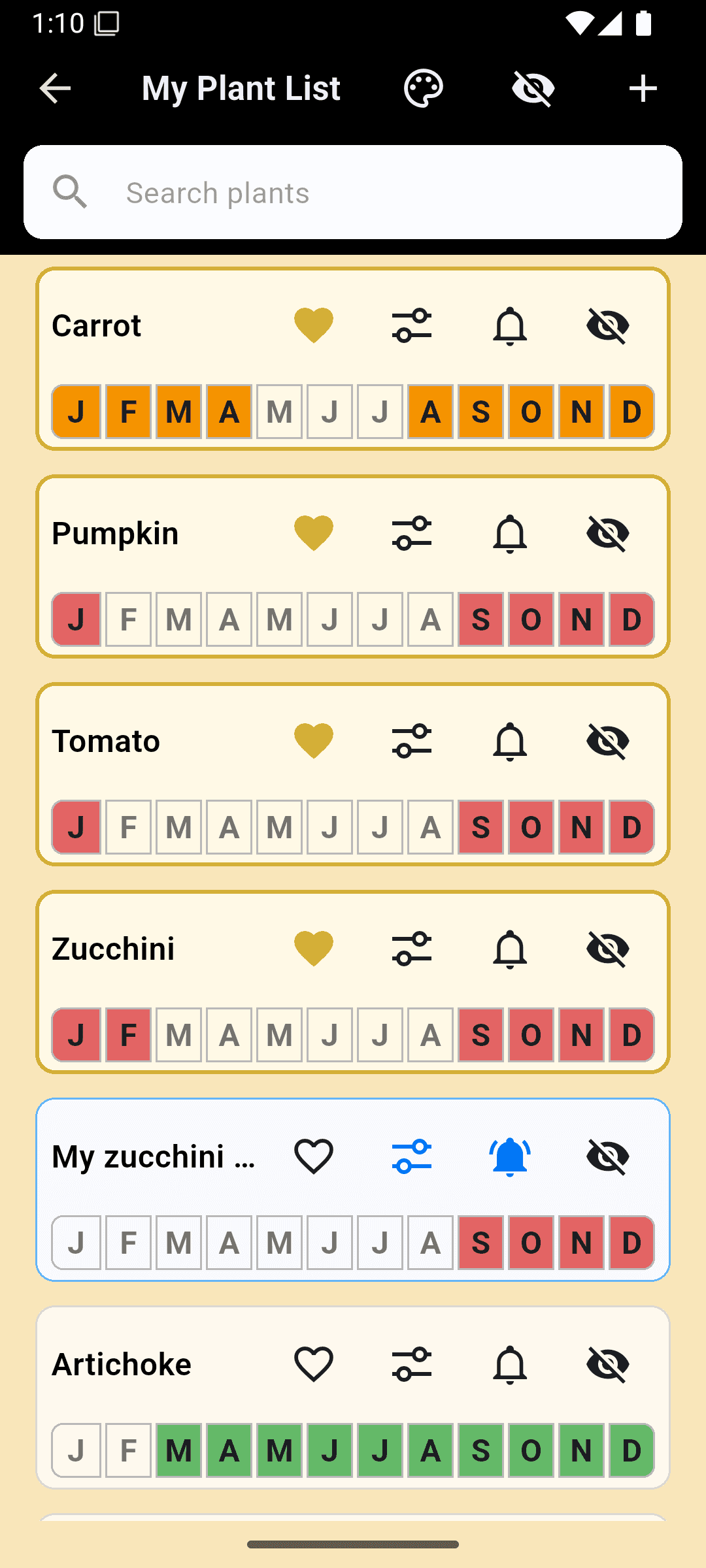
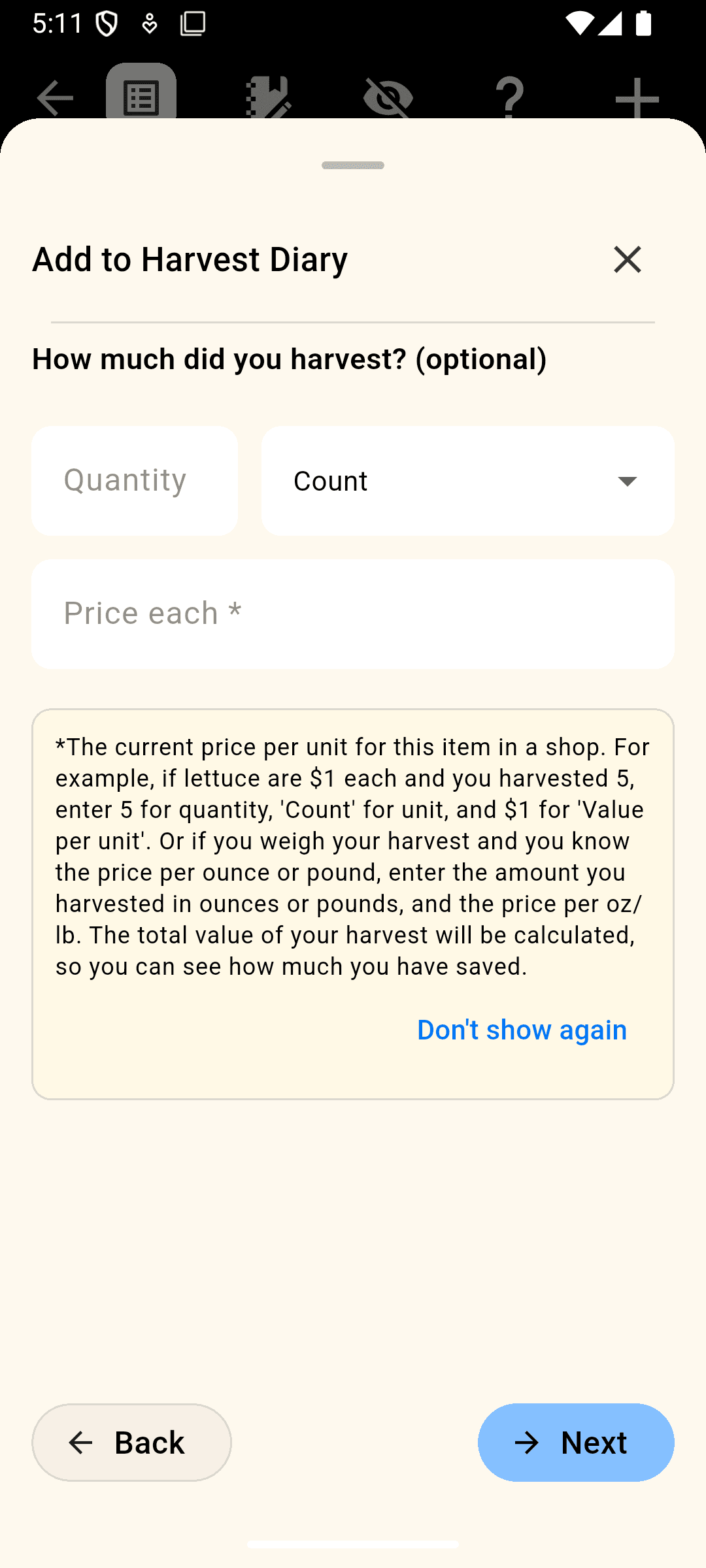
Track your garden progress and get notified when it's time to plant.
Use the app without distractions, even when you're away from signal.
English, Spanish (Spain & Latin America), French, Portuguese (Brazil & Portugal), Hindi, Arabic, Chinese (Simplified), Greek
Regional planting suggestions are available for Australia, Brazil, Canada, Colombia, Costa Rica, Cyprus, France, Galicia, Germany, Hong Kong, India, Italy, Jamaica, Madagascar, Mexico, New Zealand, Puerto Rico, South Africa, Spain, Trinidad & Tobago, Tunisia, UK, Uruguay, US Virgin Islands, USA, Venezuela, Northern & Southern Hemisphere (general suggestions)
We are adding new regions and languages all the time - if yours isn't there just email us and we will add it for you!
The Lunar Planting Guide & Planner helps you plan your gardening activities based on moon phases. Save notes, track past plantings, and get personalised recommendations. Below you'll find answers to common questions and ways to contact us.
When you first open the app you need to select your region so the app can give you the most relevant planting recommendations.
**LET US KNOW** if your region isn't listed and we will happily add it for you.
You can return to this screen at any time with the settings icon
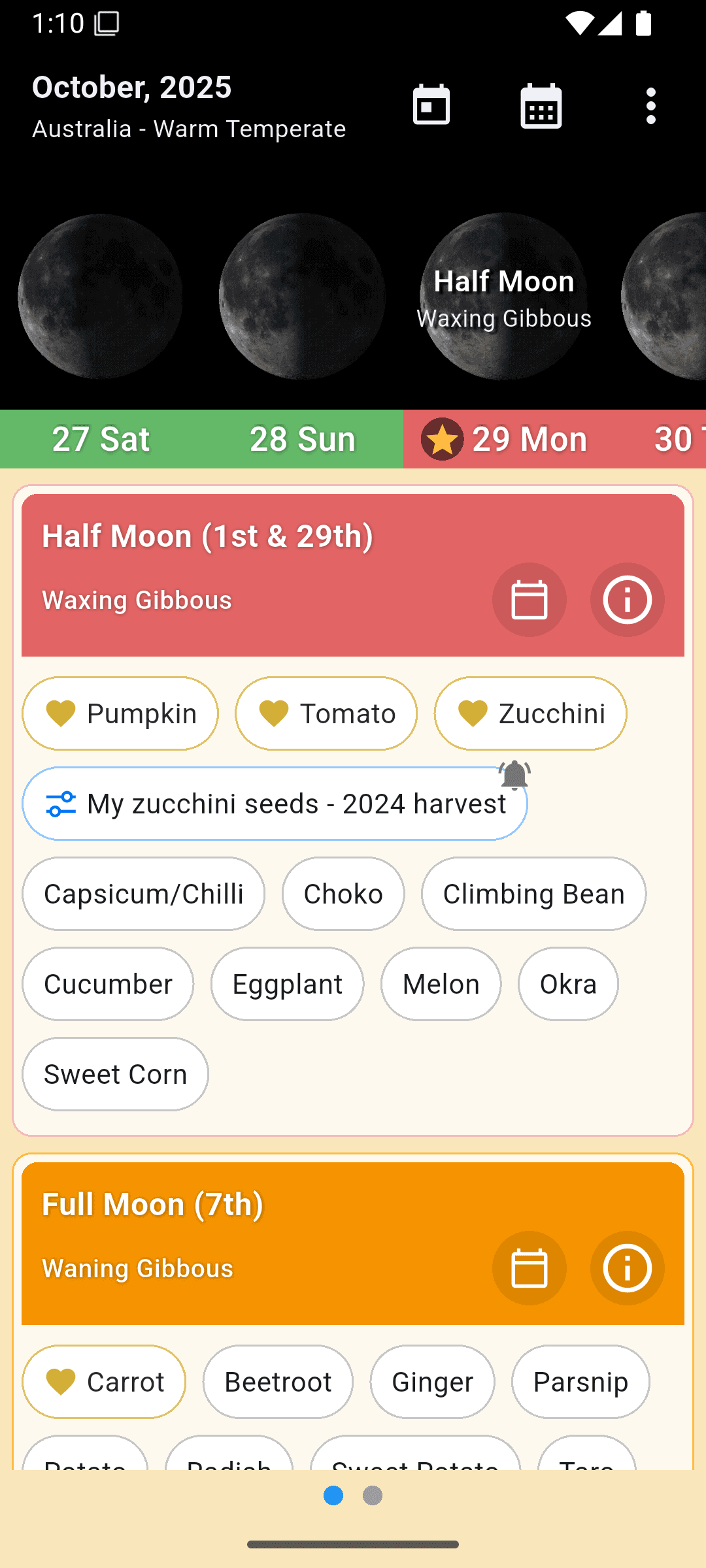
The main calendar view shows the days of the currently selected month and the matching moon for each day. Scroll left and right to view the entire month. Click the today icon to jump to today from any month. Click the calendar_today icon to select a different month.
Below are the planting recommendations, colour coded to the different phases that occur in the selected month. The 'Plant Now' section quickly gives you a summary of what you should be focusing on now, while the 'Upcoming' section shows you what to plan for in the next moon phase.
As a general guide sow plants grown for their leaves during the Waxing New Moon (Green), sow plants grown for their fruit or seed in the half moon (Red), Sow root crops during the Full Moon (orange). The waning moon (Black) is not a good time for planting so use this time for other activities such as soil preparation.
See the section below on 'Notes' to find out how to better plan your gardening activities
Click the moon image for any day of the currently selected month to add notes for that day.
Days that have notes added to them are indicated by a yellow star
Swipe left on the planting recommendations section to see your next 10 upcoming notes. Tap on your notes to view and edit them.
Cloud Backup & Sync is an optional feature that lets you securely back up your planting diary, harvest logs, notes, and reminders to the cloud — and access them on multiple devices.
To enable it, go to Settings → Backup & Sync and sign in with your Google or Apple account. Once enabled, your data is automatically backed up whenever you make changes.
If you install the app on a new device and sign in with the same account, your data will be automatically restored.
Cloud Backup & Sync is entirely optional — if you don't enable it, all your data stays on your device only.
If you have Cloud Backup & Sync enabled on your previous device:
If you did not have Cloud Backup & Sync enabled, your data was stored locally only and cannot be recovered from the cloud. We recommend enabling it to protect your data going forward.
Yes — restoring from a cloud backup replaces your current local data. If you have made changes on your device since your last backup (for example, after reinstalling the app), those changes will be lost if you restore an older backup.
The app will always show you a prompt before restoring, so you can choose whether to proceed. If you decline, your local data is kept as-is and a fresh backup will be created from your current data instead.
If you are unsure, you can check when your last cloud backup was taken from Settings → Backup & Sync before deciding.
If you have signed in with Google or Apple to use Cloud Backup & Sync, you can permanently delete your account and all associated cloud data from within the app:
This permanently removes your backup data and account from our servers. Your local data on the device is not affected.
If you are unable to access the app, you can request data deletion by emailing us using the contact details below.
You can delete your cloud backup at any time from within the app. Go to Settings → Backup & Sync, then tap Delete Backup. This permanently removes your backup data from our servers.
Disabling Cloud Backup & Sync does not automatically delete your cloud backup — you must use the Delete Backup option to remove it from the cloud. Your local data on the device is never affected.
From version 5.4 new users can enjoy the full version of the app, including regional planting suggestions, free for 14 days. After this you will need to choose a subscription option. This is required to support the developer, enabling me to continue working on improving the app and adding new features.
You can subscribe monthly or yearly. The subscription auto-renews unless cancelled at least 24 hours before the end of the current period.
A one-time lifetime membership payment is also available.
You can manage or cancel your subscription at any time via your app store account settings:
You can read our Terms of Use and our Privacy Policy on this website.
Go to the app settings and tap 'Restore Purchases'. Ensure you are logged into the correct Apple ID or Google account. If this does not work please let us know and we will sort out something so you can upgrade.
Email us and we'll happily add it for you.
Please let us know at the email address below. We will happily add your region for you.
If you need further assistance, or your region isn't listed, please email us at:
Effective Date: 5th February 2025 | Last Updated: 9th April 2026
Welcome to Lunar Planting Guide & Planner (the "App"). Your privacy is important to us. This Privacy Policy explains how we collect, use, and protect your information when you use our App. The App is developed and operated by Tim Mahony (the "Developer", "we", "us", or "our"), who acts as the data controller for any personal data processed through the App.
We use Google Firebase Analytics to track aggregate app interactions (e.g., feature usage, screen views). We use Firebase Crashlytics to collect crash reports for debugging and improving the app. On iOS, this data collection is subject to your App Tracking Transparency (ATT) preference.
No personally identifiable information (PII) is collected through analytics.
Users can save personal notes, planting diary entries, and harvest logs in the app. By default, this data is stored only on your device and is not shared or uploaded. If you enable the optional Cloud Backup & Sync feature, this data will be uploaded to our cloud service — see section 1.4 below.
The app retrieves gardening recommendation data from Google Firestore. This is read-only reference data and is not linked to any personally identifiable information.
If you enable Cloud Backup & Sync, you will be prompted to sign in with your Google or Apple account. Your planting diary, harvest logs, notes, reminders, and plant customisations are then securely uploaded to Google Firebase Firestore and associated with your account.
When you sign in, a unique account identifier (UID) issued by Firebase Authentication is used to store your data. This UID is linked to your Google or Apple account — it is a pseudonymous identifier, meaning we do not store your name or email address directly, but the UID is associated with your Google or Apple identity. Google processes authentication data in accordance with its own Privacy Policy.
You can delete your cloud backup at any time directly within the app (Settings → Backup & Sync → Delete Backup). We do not share this data with third parties.
Cloud Backup & Sync is entirely optional. Users who do not enable this feature continue to use the app with all data stored locally on their device only.
Paid membership is managed via RevenueCat. Purchases are processed securely by Google Play Store and Apple App Store. We do not store or process any payment card details.
We collect anonymous Firebase Cloud Messaging (FCM) tokens to deliver reminder notifications that you schedule within the app. These tokens are device-specific and are not linked to your identity.
We also use your country derived from IP-based geolocation to occasionally send region-specific push notifications. Your precise location is never collected.
No personal information is associated with these notifications.
We do not sell, rent, or share your personal data with third parties for marketing purposes.
We use the following trusted third-party services to operate the App:
This app is rated 3+ and is safe for all ages.
The App does not require account creation or the submission of personal information for general use. Analytics data is aggregate and non-identifiable. The optional Cloud Backup & Sync feature requires a Google or Apple account and is not specifically directed at children under 13. Parents or guardians who believe a child has enabled Cloud Backup using a shared device can contact us to request deletion of the associated data.
If you are located in the European Economic Area (EEA), United Kingdom, or another jurisdiction with equivalent data protection legislation, we process personal data on the following legal bases under GDPR Article 6:
The App uses services operated by Google (Firebase) and RevenueCat, both based in the United States. If you are located in the EEA or UK, your data may be transferred to and processed in the US.
These transfers are safeguarded by appropriate mechanisms:
If you are located in the EEA, UK, or another jurisdiction with applicable data protection law, you have the following rights regarding your personal data:
To exercise any of these rights, please contact us at the email address in Section 11. We will respond within 30 days.
You also have the right to lodge a complaint with your national data protection supervisory authority. In Ireland: Data Protection Commission (dataprotection.ie). In the UK: Information Commissioner's Office (ico.org.uk).
We may update this Privacy Policy from time to time. When we make material changes, we will update the "Last Updated" date at the top of this page. We encourage you to review this policy periodically. Continued use of the App after changes are published constitutes acceptance of the updated policy.
If you have any questions about this Privacy Policy, wish to exercise your data rights, or would like to request deletion of your data, please contact us at:
Email:
Website: themysteryguestwebdesign.com
Effective Date: 5th February 2025 | Last Updated: 9th April 2026
By downloading, installing, or using the Lunar Planting Guide & Planner app ("the App"), you agree to be bound by these Terms of Use. If you do not agree, please do not use the App.
You are granted a limited, non-exclusive, non-transferable, revocable license to use the App for personal, non-commercial purposes only. You may not modify, distribute, reverse engineer, or create derivative works of the App.
The App offers in-app purchases, including subscriptions and one-time upgrades. All payments are handled through the Apple App Store or Google Play Store. We do not store or process any payment details.
Subscriptions auto-renew unless cancelled at least 24 hours before the end of the current billing period. You can manage or cancel your subscription at any time via your Apple ID account settings or Google Play account settings.
EU/EEA and UK consumers: Under the EU Consumer Rights Directive and equivalent UK legislation, you have a 14-day right of withdrawal from digital service contracts. However, by initiating your subscription or free trial and accessing premium features, you expressly consent to the immediate provision of the digital service and acknowledge that you thereby waive your right of withdrawal once the service has begun. This does not affect your statutory rights under applicable consumer protection law, including your right to a remedy where the service is not as described.
The App provides planting suggestions based on moon phases and region-specific data. This information is intended as a general guide and may not be suitable for all climates, conditions, or crops. Use your own discretion when applying any recommendations.
The App offers an optional Cloud Backup & Sync feature. When enabled, you will be prompted to sign in with your Google or Apple account. Your planting diary, harvest logs, notes, reminders, and plant customisations will be stored in our cloud service (Google Firebase Firestore) and associated with your account identifier.
Restoring from a cloud backup will replace your current local data. Always ensure you have saved any recent changes before initiating a restore. If the app detects a newer cloud backup on sign-in or on a fresh install, it may offer to restore automatically — review any prompt carefully before confirming.
Cloud Backup & Sync is provided as a convenience feature. While we take reasonable measures to protect your data, we do not guarantee that backed-up data will always be available, recoverable, or free from loss. You remain responsible for maintaining your own copies of any data you consider important. We accept no liability for loss of data arising from use of, or inability to access, the Cloud Backup & Sync feature.
For full details on how we collect and use your data, please refer to our Privacy Policy.
You agree not to use the App for any unlawful or harmful activity, including (but not limited to): uploading offensive content, attempting to hack or disrupt the App, or impersonating others.
We reserve the right to suspend or terminate your access to the App at any time, with or without notice, if you breach these Terms or if we choose to discontinue the App.
The App is provided "as is" and "as available." We make no warranties or guarantees regarding the accuracy, reliability, or availability of the App. To the maximum extent permitted by applicable law, we disclaim all liability for any indirect, incidental, or consequential damages arising from your use of the App.
Nothing in these Terms limits or excludes any liability that cannot be limited or excluded under applicable law, including consumer protection rights under EU or UK legislation.
These Terms are governed by and construed in accordance with the laws of the Republic of Ireland, without regard to conflict of law principles. Any disputes arising from these Terms or your use of the App shall be subject to the jurisdiction of the Irish courts, except where mandatory consumer protection laws in your country of residence give you the right to bring proceedings in your local courts.
If you are a consumer resident in the EU, you may also use the EU Online Dispute Resolution platform for out-of-court dispute resolution.
We may update these Terms from time to time. When we make material changes, we will update the "Last Updated" date at the top of this page. Your continued use of the App after changes are published means you accept the updated Terms.
If you have questions about these Terms, please contact us at: